
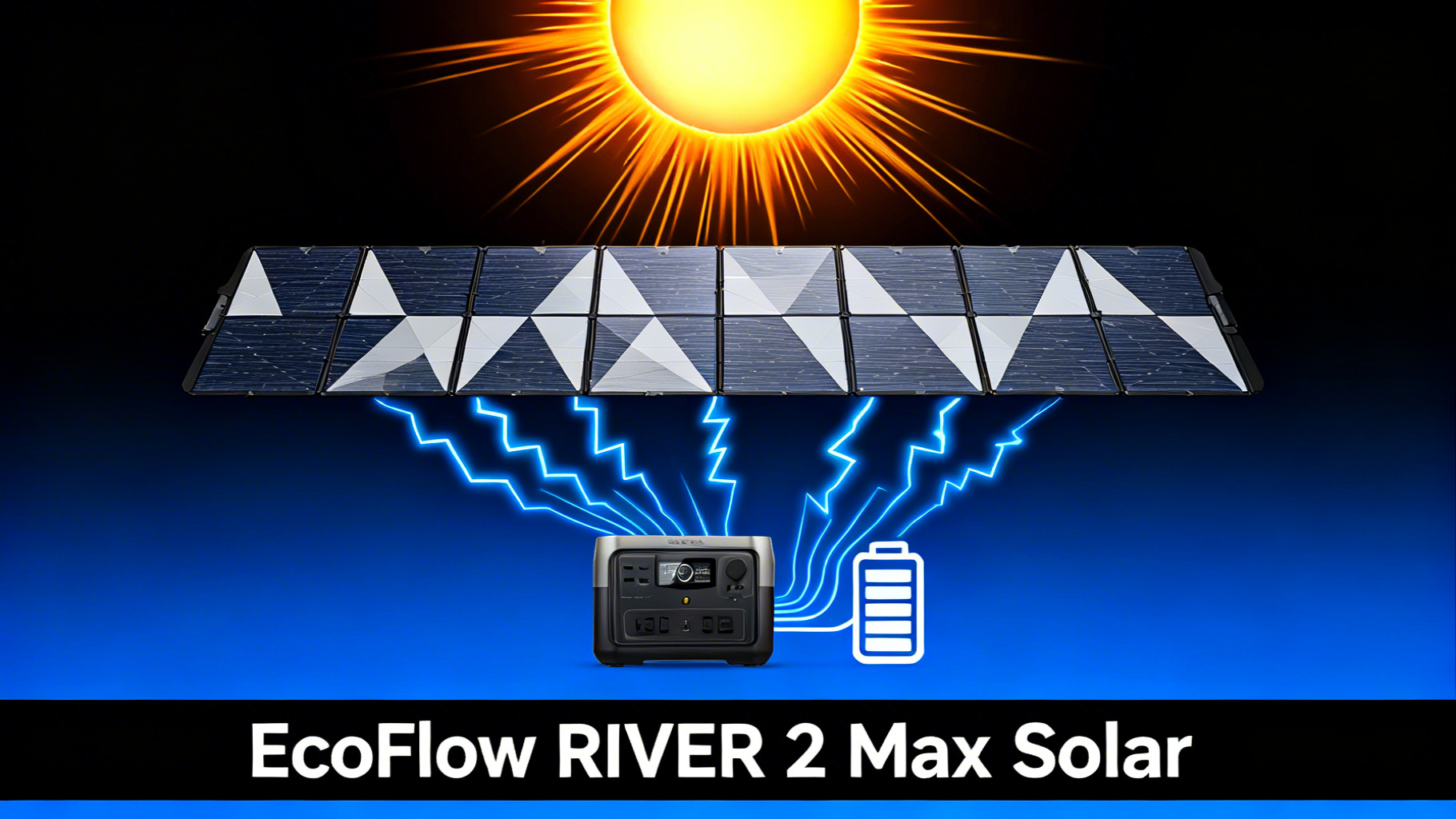
Want to run your EcoFlow RIVER 2 Max entirely off solar? The setup takes under 30 minutes, and once you know the specs and steps, charging 512Wh with sunlight becomes completely routine. This guide walks you through everything: the right panels, the correct wiring steps, and practical tips to maximize your input every day.
The RIVER 2 Max accepts up to 160W of solar input via an XT60 connector, with an MPPT voltage range of 11–30V. Solar input data confirms that a single 160W panel in peak sunlight gets you from 0 to 100% in approximately 3.5 to 4 hours. If you're still deciding between models, our EcoFlow RIVER 2 vs RIVER 2 Pro comparison breaks down the key differences before you commit to a setup.

EcoFlow RIVER 2 Max
$249.00 $469.00
- 512Wh LFP battery, rated 10-year lifespan
- Max 160W solar input (XT60 connector)
- 0–100% charge in 60 min via AC
What You'll Need: Equipment and Materials
Required Equipment
Before you start, make sure you have all three core components on hand. Missing any one of them and the setup stalls immediately.

Optional But Helpful
A small folding table or camp chair raises the panel off cold ground and improves airflow. A compass app on your phone helps orient the panel toward true south (in the northern hemisphere). Neither item is required, but both reduce setup friction.
Estimated Time and Difficulty
First-time setup: 20–30 minutes. Once you've done it once, subsequent setups take under 5 minutes. No tools required. No technical background needed: if you can plug in a cable and adjust a kickstand, you can do this.
EcoFlow RIVER 2 Max vs RIVER 2 Pro: When Is the Upgrade Worth It?
Still deciding which model fits your needs? This comparison covers capacity, solar input, and price differences.
EcoFlow RIVER 2 Max Solar Input: What the Specs Confirm
The RIVER 2 Max solar specs are precise and worth understanding before you buy a panel. The station uses an MPPT (Maximum Power Point Tracking) controller, which automatically optimizes power draw from the panel based on sunlight conditions. That matters: it means you're not manually adjusting anything during a charge session.
Solar voltage range is fixed at 11–30V. Panels that output outside this window won't charge the unit. Verified RIVER 2 Max specs confirm the XT60 input handles up to 160W continuous. The AC fast-charge path (0–100% in 60 min) is the fastest option, but the solar path is the self-sufficient one.
Source: verified RIVER 2 Max technical specifications
Use our portable power station runtime calculator to estimate how long the RIVER 2 Max will power your specific devices on a full solar charge.
Which EcoFlow Panel Works Best with the RIVER 2 Max?
Three options make practical sense for this station. Panel choice comes down to your use case: portability-first camping, low-light resilience, or minimal pack weight for backpacking-style trips.
The NextGen 160W is the natural match for the RIVER 2 Max: it fills the 160W input ceiling exactly, folds to a compact size, and includes the XT60 cable. The 220W Bifacial costs $70 more but doesn't charge faster (the station caps at 160W regardless). Its advantage is maintaining output closer to 160W on overcast days, where a standard panel might drop to 80–100W. For sunny climates, the 160W is the better value.


Best Solar Panels for EcoFlow DELTA 2
Looking at a higher-capacity setup? This roundup covers all compatible panels for the DELTA 2's larger input window.
Step-by-Step Solar Setup: 6 Steps to Full Charge
Follow these steps in order. Each step ends with a success indicator so you know immediately whether to move on or troubleshoot.

Step 1: Gather Your Equipment and Check the Cable
Lay out the RIVER 2 Max, your solar panel, and the XT60 charging cable. Inspect the cable end for any bent pins or visible damage. A damaged XT60 connector is one of the most common reasons for a “no solar input” reading, and it's easy to miss at a glance.
If you're using a third-party panel, confirm the output connector is compatible with XT60. Many panels ship with MC4 connectors, which require a separate MC4-to-XT60 adapter cable.
⚠️ Common mistake: Connecting the cable while the panel is already in direct sunlight generates an open-circuit voltage that can exceed the RIVER 2 Max's 30V ceiling. Instead, shade or cover the panel before making the connection, then expose it to sunlight after.
You'll know it's correct when: the cable clicks securely into both connectors with no play or looseness.
Step 2: Position the RIVER 2 Max
Place the station on a stable, flat surface. Keep it in a shaded or ventilated area rather than in direct sunlight. Analysis of thermal data confirms that elevated ambient temperature during solar charging reduces charge efficiency and, over time, accelerates cell wear in any LFP battery.
The RIVER 2 Max weighs 13.7 lbs, so a picnic table, tailgate, or shaded tent floor all work well. Keep it within reach of the solar cable: the standard cable is approximately 10 feet long.
You'll know it's correct when: the unit is stable, not rocking, and positioned away from direct sun exposure.
Step 3: Unfold and Orient the Solar Panel
Fully unfold the panel and open all sections flat. Partially unfolded panels reduce the active cell area and drop output significantly. Face the panel toward the sun's current position: roughly south in the northern hemisphere, north in the southern hemisphere.
You'll know it's correct when: all panel sections are fully extended and lying flat relative to each other, with no folded sections blocking cells.
Step 4: Adjust the Angle for Maximum Output
Deploy the built-in kickstand and set the panel angle between 30 and 60 degrees. The NextGen 160W and 220W panels include an integrated solar angle guide on the bracket: align the shadow indicator to point directly at the guide marker for the optimal angle based on time of day.

Panel efficiency data shows that a 20-degree deviation from optimal angle reduces output by roughly 10–15%. For latitude-specific recommendations, refer to our guide on optimal solar panel angle.
You'll know it's correct when: the panel casts a narrow shadow directly behind it, indicating near-perpendicular alignment with the sun.
💡 Pro Tip: Readjust the panel angle every 2–3 hours as the sun moves. Owner feedback consistently reports 20–30% more total energy captured across a full day compared to a single fixed morning setup.
Step 5: Connect the Panel to the Station
With the panel shaded or facing away from the sun, plug the XT60 connector into the DC input port on the RIVER 2 Max. The port is on the rear panel of the unit, labeled “DC IN.” Push firmly until you hear or feel the connector seat fully.
Now connect the other end of the cable to the panel's output port. Once both connections are secure, rotate the panel to face the sun directly.
You'll know it's correct when: both connectors are fully seated and the cable hangs naturally without tension on either end.
Step 6: Verify the Solar Input Reading
Check the RIVER 2 Max LCD display. Within a few seconds of facing the panel toward direct sun, the display should show a solar charging indicator along with a live input wattage reading.
In strong direct sunlight, input data confirms a typical reading of 100–155W for the NextGen 160W panel. Readings below 80W in clear conditions usually indicate a suboptimal panel angle, partial shading, or a loose cable connection.
You'll know it's correct when: the LCD shows “Solar In” with a wattage number. If no reading appears after 30 seconds in direct sun, re-check the cable connections at both ends.
What Can You Power After a Full Solar Charge?
Runtime calculations based on the 512Wh capacity and typical appliance draws confirm the RIVER 2 Max covers most camping and short-term backup scenarios comfortably. Keep in mind that actual runtime is slightly lower than theoretical due to inverter efficiency (typically 85–90%).
What Can It Power? (512Wh Capacity)
🔌
Mini Fridge
~8–10 hrs
50W avg
💡
LED Lights
~50+ hrs
10W avg
💻
Laptop
~7–8 charges
65W avg
📱
Smartphone
~40 charges
12Wh/charge
Running a mini fridge and charging a laptop simultaneously draws around 115W, which the 512Wh capacity supports for approximately 4 hours. For a weekend camping trip where you recharge during the day, that's a practical and sustainable loop.
Can You Use Two Panels? Parallel Input on the RIVER 2 Max
The RIVER 2 Max has a single XT60 solar input port. Two panels can be used simultaneously only by connecting them in parallel with a Y-splitter cable, and only if the total combined wattage stays at or below 160W and the combined voltage remains within the 11–30V MPPT window.
What this means in practice: two 160W panels in parallel would produce up to 320W, far exceeding the 160W ceiling. The station would cap input at 160W regardless, but the excess power could potentially create heat or cause overcurrent issues at the connector. A safer approach is pairing the 160W NextGen with a smaller 60W panel: the combined maximum sits at 220W on paper, but the MPPT controller limits actual draw to 160W, keeping the setup within spec.
⚠️ Important: When connecting panels in parallel, verify that both panels have identical or near-identical voltage output. Mismatched voltages between panels cause the MPPT controller to default to the lower-voltage source, reducing overall efficiency.
The RIVER 2 Max supports dual-panel input: learn more about connecting panels in parallel before expanding your setup.
Pro Tips to Charge Faster and Get More Out of Every Hour
Solar charging efficiency isn't just about panel wattage. Four factors consistently separate a 130W average from a 90W average over a full day's charge session.
4 Tips for Maximum Solar Performance
1. Readjust angle every 2–3 hours
Owner data shows this alone adds 20–30% more total energy compared to a static morning angle.
2. Keep the panel surface clean
Dust, pollen, or bird droppings reduce effective cell output. A dry microfiber wipe before setup takes 30 seconds.
3. Avoid partial shade at all costs
Even a small shadow on one cell can drop total panel output by 30–50% due to how series-wired cells behave.
4. Start charging early in the morning
Solar irradiance peaks between 10am and 2pm. Starting the charge at 8am captures the full usable window rather than just the peak hours.
Portable Power Station Runtime Calculator
Estimate exactly how long your RIVER 2 Max will run any appliance combination based on your actual wattage draw.
Troubleshooting: 5 Common Solar Setup Issues
Frequently Asked Questions
What is the maximum solar input for the EcoFlow RIVER 2 Max?
The RIVER 2 Max accepts up to 160W of solar input via an XT60 connector, with an MPPT voltage range of 11–30V. Panels that output below 11V or above 30V will not charge the station. EcoFlow's NextGen 160W panel is spec-matched to hit the 160W ceiling in direct sunlight.
How long does it take to charge the RIVER 2 Max with a 160W solar panel?
Under peak sunlight conditions, charge time is approximately 3.5 to 4 hours from 0 to 100%. This assumes direct sun, optimal panel angle, and consistent irradiance. Cloudy conditions or a suboptimal angle will extend the estimate. In mixed sun and cloud, a full day charge is more realistic.
Do EcoFlow solar panels include the cable needed to connect to the RIVER 2 Max?
Yes. EcoFlow's NextGen 160W and 220W Bifacial panels include a solar-to-XT60 charging cable in the box. No additional purchase is needed. Third-party panels typically ship with MC4 connectors and require a compatible MC4-to-XT60 adapter cable, sold separately.
Can I use a 220W panel with the RIVER 2 Max?
Yes, but the station will cap input at its 160W maximum regardless of panel rating. The 220W Bifacial panel's real advantage is maintaining output closer to 160W during overcast or low-light conditions, where a standard 160W panel might drop to 80–100W. In consistently sunny conditions, the 160W panel delivers equivalent results at $70 less.
Can I connect two solar panels to the RIVER 2 Max at once?
The RIVER 2 Max has a single solar input port. Two panels can be connected using a Y-splitter cable wired in parallel, provided that total combined wattage stays at or below 160W and the combined voltage remains within the 11–30V MPPT range. Pairing a 160W panel with a 60W panel (120W combined) is a safe configuration. Two 160W panels would exceed the input ceiling and is not recommended.
Does the EcoFlow app show solar charging in real time?
Yes. The EcoFlow app displays live solar input wattage, estimated charge time remaining, and current battery level. It also allows you to set charging limits (useful for long-term battery health) and monitor simultaneous input and output. The LCD on the station itself shows the same live wattage data without requiring the app.
Final Thoughts
The EcoFlow RIVER 2 Max solar setup is one of the more straightforward processes in this category. The station's 160W MPPT input, XT60 connector, and LFP chemistry make for a reliable and repeatable solar charging loop. The EcoFlow RIVER 2 Max hits a practical sweet spot: 512Wh is enough for a weekend of camping essentials, and 3.5–4 hours of solar charging fits inside a single afternoon of peak sun.
For most users, the NextGen 160W panel is the right pairing: it's spec-matched to the station, competitively priced, and includes everything you need. The 220W Bifacial is worth the premium only if you're camping in consistently overcast conditions or at high latitudes where low-angle sun reduces effective panel output. If you're running a larger capacity unit, the RIVER 2 Pro solar setup guide covers compatible panels for 768Wh systems.
RIVER 2 Max + 160W Bundle
$437.00
Everything you need in one purchase: station + panel
Price verified April 2026. Free shipping available
Originally published: March 31, 2026