
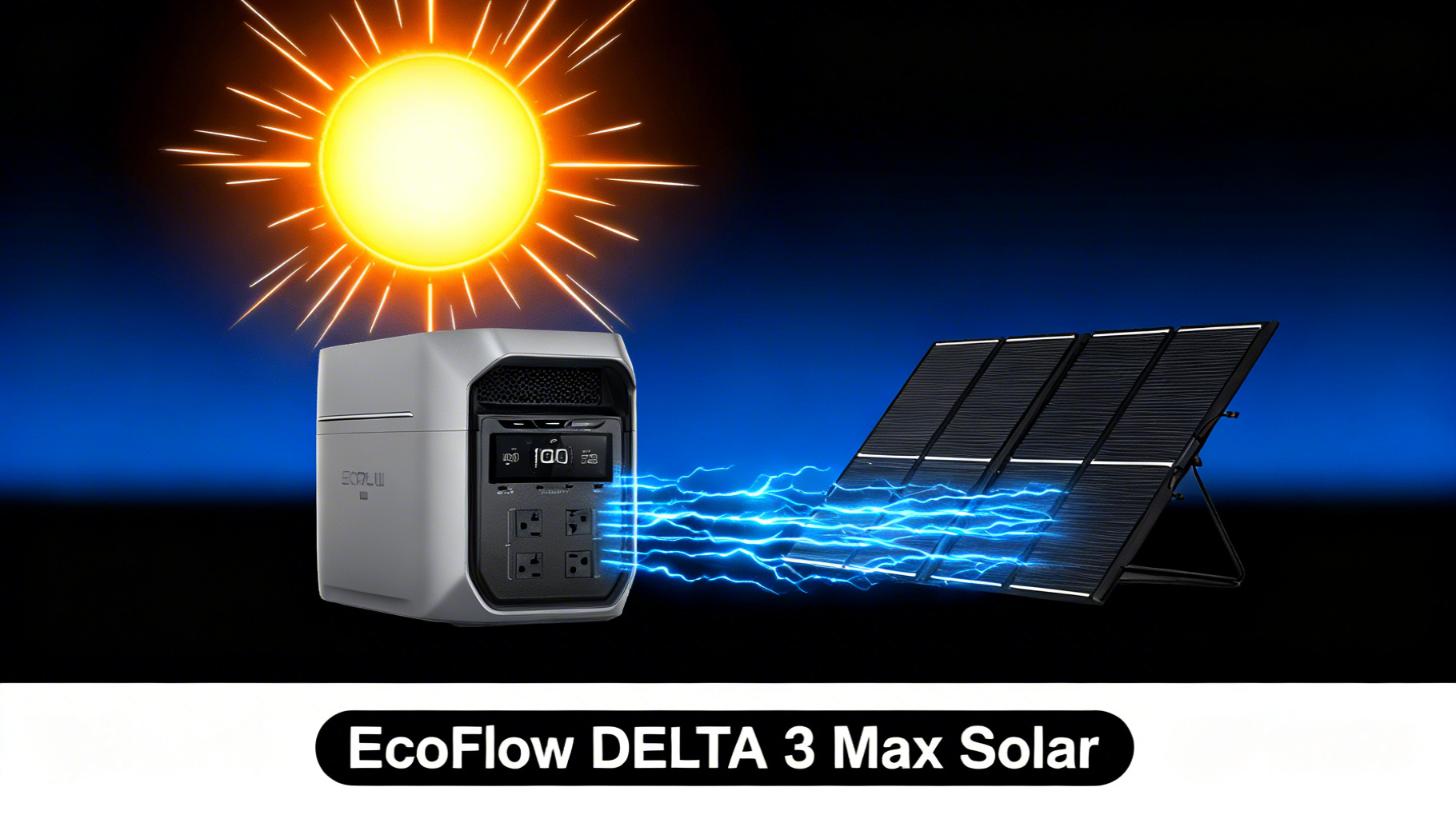

EcoFlow DELTA 3 Max (2048Wh)
$749 $1,499
- 2048Wh LFP battery, 2400W output (4800W surge)
- Supports up to 500W solar input via XT60 connector
- 68 min wall charge (0-80%), 10-year lifespan
✅ This solar setup is ideal if…
- You own a DELTA 3 Max and want off-grid charging capability
- You camp, RV, or travel where AC outlets are unavailable
- You want home backup that recharges from the sun during outages
- You prefer a silent charging method over a gas generator
❌ Skip this if…
- You always have access to AC wall outlets for charging
- You need to fully recharge the 2048Wh in under 3 hours (wall charging is faster)
- You live in a consistently cloudy climate with minimal sun
What You’ll Need for Solar Charging
Required Equipment
The EcoFlow DELTA 3 Max solar setup requires just two things: the power station itself and a compatible solar panel with an XT60 connector. EcoFlow panels ship with the correct cable included. Third-party panels with MC4 connectors will need an EcoFlow MC4 to XT60 solar cable adapter. Here’s what the DELTA 3 Max brings to the table for solar charging. You can verify these numbers on the official DELTA 3 Max specifications page.EcoFlow DELTA 3 Max: Solar-Ready Specs
Battery Capacity 2,048Wh
AC Output 2,400W
Surge Power 4,800W
Battery Type LFP
Max Solar Input 500W
Solar Connector XT60
Weight 44.8 lbs
Cycle Life 3,000+

Compatible Solar Panels
The DELTA 3 Max accepts any solar panel that outputs 11-60V DC and connects via XT60. EcoFlow’s own panels are the simplest option since they include the correct cable. Here’s how the three main EcoFlow solar panels compare for this power station.

Estimated Time and Difficulty
The entire setup takes about 10-15 minutes from unboxing the panel to seeing watts flow on the display. Difficulty level: beginner-friendly. The XT60 connector is keyed, so it only fits one way. You won’t need tools, soldering, or any electrical knowledge.Which Solar Panel Works Best for the DELTA 3 Max?
Budget Pick: NextGen 160W ($209)
At $209, the NextGen 160W panel is the most affordable entry point. Performance data shows a realistic output of around 120-130W in full sun, which translates to a 15-17 hour charge time for the DELTA 3 Max’s 2,048Wh battery. That’s more than a full day of sunlight. This panel makes sense if you’re topping off a partially depleted battery rather than charging from zero. For weekend campers who use 30-40% of capacity per day, the 160W can replenish that daily deficit comfortably.
Best All-Around: NextGen 220W Bifacial ($279)
The NextGen 220W Bifacial at $279 hits the sweet spot for most DELTA 3 Max owners. The bifacial design captures reflected light from both sides, collecting up to 25% more energy than a standard one-sided panel. In practice, real-world output typically lands around 170W, with the bifacial boost pushing it closer to 200W on reflective surfaces. Charge time data for this pairing shows approximately 11-13 hours for a full charge, which is achievable in 1.5 to 2 sunny days. The panel’s IP68 waterproof rating and tempered glass construction mean you don’t need to baby it in the field. The 30-60 degree adjustable bracket with an integrated solar angle guide makes positioning intuitive.💡 Pro Tip: Bifacial Advantage
The EcoFlow 220W Bifacial panel captures reflected light from its rear side, boosting output by up to 25% when placed on light-colored surfaces like concrete, sand, or snow. Position it above a reflective surface for maximum gain.
Fastest Charge: 400W Panel ($599)
If charging speed is your priority, the EcoFlow 400W Panel at $599 delivers the fastest single-panel charge. Spec analysis shows a real-world output of approximately 300W in direct sun, filling the 2,048Wh battery in roughly 6-8 hours. That’s a full charge in one sunny day. The trade-off is size, weight, and cost. At twice the price of the 220W Bifacial, the 400W panel makes the most sense for base camp setups where portability matters less than raw charging speed. Its IP68 rating and one-piece folding design keep things durable.Combo Approach: 400W + 220W ($878 total)
Want the fastest possible solar charge? Combining the 400W and 220W panels in parallel approaches the DELTA 3 Max’s 500W solar input cap. Performance data indicates this combo can push approximately 450-500W in peak conditions, charging the full 2,048Wh battery in just 4-5 hours of direct sun. Keep in mind: you’ll need an XT60 parallel adapter cable to connect two panels to the single solar input port. This setup is best for dedicated off-grid users or RVers who want a full charge before noon.Solar Charge Times: DELTA 3 Max (2048Wh)
☀️
1x 220W Bifacial
~11-13 hrs
~170W real output
⚡
2x 220W Bifacial
~6-7 hrs
~340W real output
🔥
1x 400W Panel
~6-8 hrs
~300W real output
🚀
400W + 220W (Combo)
~4-5 hrs
~500W (max input)
Estimates based on full sun conditions (peak hours). Real-world output varies with cloud cover, panel angle, and temperature.
Step-by-Step: Connect Solar Panels to Your DELTA 3 Max
The entire connection process takes less than 10 minutes. Before you start, it helps to understand the basics of how solar photovoltaic cells work, but it’s not required. Let’s walk through each step.Step 1: Unbox and Position Your Solar Panel
Unfold your solar panel and place it on a flat, stable surface facing direct sunlight. Tilt the panel to 30-45 degrees using the built-in adjustable bracket. The goal is to point the panel face directly at the sun, perpendicular to the sunlight angle. In most of the continental U.S. during summer, a 30-degree tilt aimed south works well. You’ll know it’s positioned correctly when there are no shadows falling across any of the solar cells. Even partial shading on one cell can reduce the entire panel’s output dramatically.
⚠️ Common mistake: Placing the panel flat on the ground. This reduces output by 20-30% compared to a properly angled setup. Always use the kickstand bracket.
Step 2: Connect the XT60 Solar Cable
Locate the XT60 solar charging cable included with your EcoFlow panel. One end plugs into the panel’s output port, and the other connects to the DELTA 3 Max. The connector is yellow and keyed, so it only goes in one direction. Push firmly until it clicks into place. If you’re using a third-party panel with MC4 connectors, you’ll need an MC4-to-XT60 adapter cable. These are sold separately and are essential for non-EcoFlow solar panels.Step 3: Plug Into the DELTA 3 Max Solar Input
Find the solar input port on the DELTA 3 Max (labeled with a sun icon). Insert the XT60 cable end. You don’t need to turn on the power station first. The DELTA 3 Max’s built-in MPPT (Maximum Power Point Tracking) charge controller automatically detects the solar input and begins charging.
Step 4: Verify Charging on the Display
Check the DELTA 3 Max’s LCD display or open the EcoFlow OASIS 3.0 app on your phone. You should see a solar input wattage reading. With a 220W panel in full sun, expect to see 150-180W displayed. With the 400W panel, expect 280-320W. You’ll know everything is connected correctly when the battery percentage starts increasing and the estimated time to full charge appears on screen.
Step 5: Optimize Panel Angle for Maximum Input
Fine-tune the panel tilt by watching the wattage reading on the display. Small adjustments of 5-10 degrees can increase output by 15-20%. Move the panel slowly and wait 3-5 seconds for the reading to stabilize between adjustments. For maximum energy capture, position the panel facing south and optimize your solar panel angle based on your latitude and time of year. As the sun moves across the sky, repositioning every 2-3 hours captures significantly more energy.Step 6: Secure Cables and Monitor
Route the solar cable away from foot traffic and secure it with cable ties if needed. This prevents accidental disconnections and trip hazards. Monitor charging progress throughout the day via the display or the EcoFlow OASIS 3.0 app, which gives remote access to charge status.Related Guide
Not sure how much power you need? Try our power station calculator to match wattage to your devices.
Expected Solar Charge Times
Here’s a practical breakdown of charge times based on the DELTA 3 Max’s 2,048Wh capacity and each panel configuration’s realistic output. These figures assume 5-6 peak sun hours per day, which is typical for most of the U.S. between April and October. These are estimates under ideal conditions. Cloud cover, panel angle, ambient temperature, and time of day all affect real output. Overcast skies can cut output by 50-80%. Check our guide on solar charging on cloudy days for strategies to maximize yield in less-than-ideal weather.Troubleshooting Solar Charging Issues
Issue 1: Display Shows 0W Solar Input
If you see zero watts after connecting your panel, check the XT60 cable at both ends. The most common cause is a loose connection. Push each connector firmly until it clicks. Also verify the panel is in direct sunlight, as heavy shade or indoor placement produces effectively zero power.Issue 2: Solar Input Much Lower Than Expected
A 220W panel showing only 80-100W usually indicates suboptimal conditions rather than a defect. Check for partial shading (even a small shadow across one cell reduces output significantly), panel angle (flat panels lose 20-30%), and time of day (early morning and late afternoon produce far less than midday). Dirty panels also lose efficiency. A quick wipe with a damp cloth can restore output.Issue 3: Charging Stops Intermittently
Intermittent charging typically happens with passing clouds. The MPPT controller adjusts automatically, so brief dips are normal. If charging stops completely and doesn’t resume, check the cable connections and make sure the panel hasn’t shifted position due to wind.Issue 4: Error Code on Display
If the DELTA 3 Max shows an error code during solar charging, note the code and check EcoFlow’s support documentation. Common solar-related errors include over-voltage warnings (panel voltage exceeds the 60V max input) and over-temperature protection. Move the unit to shade if it’s overheating, and verify your panel’s voltage specs are within the 11-60V range.
Pro Tips to Maximize Solar Charging Speed
Tip 1: Reposition Panels Every 2-3 Hours
The sun moves across the sky throughout the day. Repositioning your panel to face the sun directly every 2-3 hours can increase total daily energy harvest by 25-35% compared to a fixed position. It takes 30 seconds and makes a measurable difference.Tip 2: Use a Reflective Surface Under Bifacial Panels
If you’re using the 220W Bifacial panel, placing it above a light-colored surface (concrete, sand, snow, or even a white tarp) boosts the rear-side energy collection. Owner reports consistently show 15-25% more output with this simple trick compared to dark ground surfaces like dirt or grass.
Tip 3: Chain Two Panels for 440-500W Input
When connecting two or more panels, understanding series vs parallel solar wiring helps you maximize charging speed without exceeding input voltage limits. For the DELTA 3 Max, parallel wiring is generally safer since it keeps voltage low while combining amperage. With two 220W panels in parallel, you approach the 500W solar input cap.Tip 4: Avoid Charging and Heavy Loads Simultaneously
The DELTA 3 Max supports pass-through charging, so you can use devices while solar charging. However, running high-draw appliances (space heaters, power tools) during solar charging means the battery charges much slower, or even drains if load exceeds solar input. For the fastest charge, minimize power draw during peak solar hours. Planning to use your solar setup year-round? Review our winter solar charging tips for seasonal angle adjustments and cold-weather battery care.Frequently Asked Questions
What is the maximum solar input for the EcoFlow DELTA 3 Max?
Can I use third-party solar panels with the DELTA 3 Max?
How long does it take to fully charge the DELTA 3 Max with solar?
Can I charge the DELTA 3 Max with solar while using it to power devices?
What is a bifacial solar panel, and is it worth the extra cost?
Do I need a charge controller between the solar panel and the DELTA 3 Max?
Can I leave solar panels connected to the DELTA 3 Max overnight?
Will the DELTA 3 Max charge on a cloudy day?
Conclusion
Setting up solar charging for the EcoFlow DELTA 3 Max is straightforward: choose a compatible panel, connect the XT60 cable, and position for maximum sunlight. The entire process takes under 15 minutes, and the DELTA 3 Max’s built-in MPPT controller handles all the technical regulation automatically. For most users, the NextGen 220W Bifacial at $279offers the best balance of charging speed, portability, and price. It charges the 2,048Wh battery in about 11-13 hours (roughly 2 sunny days). If you want full-day charges, step up to the 400W panel or combine both panels to approach the 500W input limit.
The data is clear: solar panels for portable power stations transform the DELTA 3 Max from a wall-dependent battery into a fully renewable energy system. Whether you’re camping off-grid, preparing for outages, or living the van life, solar charging adds a level of energy independence that wall outlets simply can’t match.
EcoFlow DELTA 3 Max (2048Wh)
$749
Best mid-range solar generator for home backup and camping
Price verified March 2026. Free shipping available.
Related Reads
Originally published: March 25, 2026