
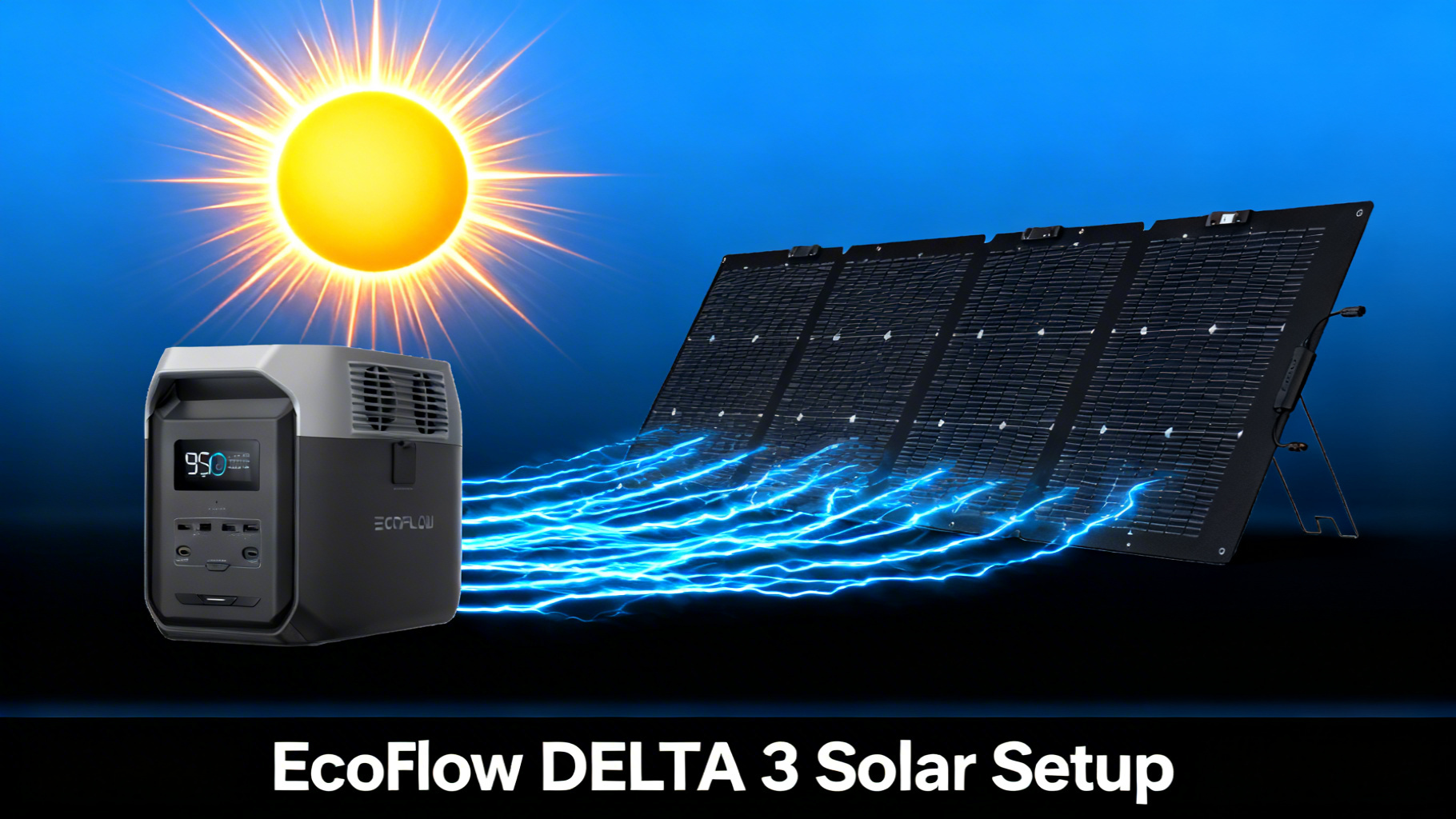
Why Go Solar with the EcoFlow DELTA 3?
Want to charge your EcoFlow DELTA 3 using nothing but sunlight? You’re not alone. Solar charging is one of the biggest reasons people choose a portable power station in the first place, and the DELTA 3 is built to make it easy. With up to 500W of solar input, a 1024Wh LiFePO4 (lithium iron phosphate) battery, and a simple XT60 connector, this unit is ready for solar right out of the box.
But here’s the thing: choosing the right panel, connecting it properly, and actually getting decent charge times can feel overwhelming if you’ve never done it before. Panel wattages, voltage ranges, bifacial designs, series vs parallel wiring: the jargon piles up fast.

This guide breaks the entire process down into clear, manageable steps. You’ll learn exactly which EcoFlow solar panels work best with the DELTA 3, how long each one takes to deliver a full charge, and how to connect everything correctly the first time. No technical background needed: if you can plug in a cable, you can set this up.
DELTA 3 Solar Input Specs at a Glance
Before picking a panel, you need to know what the DELTA 3 can handle. These are the specs that determine which solar panels are compatible and how fast you can charge.
EcoFlow DELTA 3 Solar Input Specs
Quick reference for solar panel compatibility
Max Solar Input
500W
Voltage Range
11-60V
Max Current
13A
Connector
XT60

The key number here is 500W max solar input. Any panel or combination of panels that stays within the 11-60V voltage range and does not exceed 13A of current will work. EcoFlow’s own panels are designed to hit these specs perfectly, but third-party panels with MC4 connectors can also work with an adapter. For the full product page, see the EcoFlow DELTA 3 official specs. For a deep dive into the unit itself, our EcoFlow DELTA 3 review covers performance, runtime, and value.
What You’ll Need
Required Equipment

Your setup requires just two main items: the EcoFlow DELTA 3 and a compatible solar panel. Here’s a full breakdown of everything involved.
💡 Pro Tip: EcoFlow panels come with the XT60 solar cable already included. You do not need any adapters or extra cables unless you are connecting a third-party panel.
Optional But Helpful Items
A solar panel extension cable gives you more flexibility to position your panel in full sun while the DELTA 3 stays in the shade (heat reduces battery efficiency). A microfiber cloth for wiping dust off the panel surface is also worth keeping in your kit. Dirty panels can lose 10-25% of their output.
Estimated Time and Difficulty
The entire setup takes about 5-10 minutes from unboxing to charging. Difficulty level: beginner-friendly. If you can plug in a phone charger, you can do this.
⚡ EcoFlow DELTA 3 – Current Best Price
$499
$699
-29% OFF
- 1024Wh LiFePO4, 3000+ cycle life
- 1800W AC output (3600W surge with X-Boost)
- 500W max solar input
💡 Price checked March 2026 | Free shipping available
Before You Start: Safety and Preparation
Safety Precautions
Solar panels produce electricity the moment they see sunlight. That means you should always handle them with care during setup. Keep the panel face-down or covered until all cables are connected. Never touch exposed connector pins while the panel is in direct sun.
Make sure all connections are completely dry before plugging anything in. The DELTA 3 and EcoFlow panels carry IP68 waterproof ratings, but the XT60 connector itself should stay dry during the connection process.
Preparation Steps
Pick a flat, stable surface in direct sunlight. Avoid setting up under trees or near structures that cast shadows, because even partial shade on a single cell can cut your panel’s output by 50% or more. Have the DELTA 3 powered off before connecting the solar cable.
✅ Pre-Connection Checklist
Power station OFF before connecting panels
Panel face-down until all cables connected
XT60 cable included with every EcoFlow panel
Dry connections only (no moisture on ports)
Check voltage stays within 11-60V range
Avoid shade (even partial shade cuts output significantly)
Step-by-Step: Setting Up Your Solar Panels
Step 1: Unpack and Inspect Your Solar Panel
Remove your solar panel from its carrying case and unfold it on a flat surface. Inspect the panel surface for any scratches, cracks, or debris. Locate the XT60 solar cable that comes included in the box. It’s a short cable with a yellow connector on one end.
You’ll know everything is in order when you see the panel, the XT60 cable, and (on newer NextGen models) the adjustable kickstand or bracket.
Step 2: Connect the XT60 Cable to the DELTA 3
Plug the XT60 connector from the solar panel cable into the solar/car charging input on the side of the DELTA 3. The connector is keyed, meaning it only fits one way. Do not force it. You’ll feel a firm click when it’s seated properly.

Step 3: Position Your Panel for Maximum Sun
Place the solar panel in direct sunlight, facing south if you’re in the Northern Hemisphere. Adjust the kickstand or bracket to a 30-45 degree angle relative to the ground. This angle provides the best energy capture for most latitudes during spring and summer.
For even better results, refer to our solar panel angle optimization guide to maximize energy capture based on your latitude and season.
Related Guide
Maximize your solar harvest with our solar panel angle optimization guide for every season and latitude.
Step 4: Connect Multiple Panels (Optional)
If you want faster charge times, you can connect two EcoFlow panels using a parallel cable. This combines the wattage of both panels while keeping the voltage within the DELTA 3’s safe range. When connecting two panels, understanding series vs parallel solar panel wiring is key to matching the DELTA 3’s voltage and amperage input range.
Keep your total combined wattage under 500W. Two 220W bifacial panels at 440W combined is the practical maximum for a dual-panel setup.
Multi-Panel Setup?
Connecting two panels? Read our series vs parallel solar panel wiring guide first.
Step 5: Power On and Verify Charging
Press the power button on the DELTA 3. The display should light up and show a solar input wattage reading. You’ll know everything is working correctly when you see a number between 60-220W (depending on your panel size) on the display screen.
If the display shows 0W, double-check that the panel is facing the sun and the XT60 cable is fully seated. Partial shade on even one section of the panel can drop input to zero.
Step 6: Monitor with the EcoFlow App
Open the EcoFlow App on your phone and connect to the DELTA 3 via Bluetooth or WiFi. The app provides real-time data on solar input wattage, current battery percentage, and estimated time to a full charge. It’s the easiest way to confirm your setup is performing as expected.
Solar Charge Times: Every Panel Combination
How long does it actually take to charge the DELTA 3 with solar? That depends on your panel wattage and real-world conditions. Rated wattage is measured under ideal lab conditions (1000W/m2 irradiance, 25C cell temperature). Use our solar charge time calculator for precise estimates. In practice, expect 15-20% less than the panel’s rated output due to angle, clouds, temperature, and cable losses.
⚡ EcoFlow DELTA 3 Solar Charge Times (1024Wh)
☀️
110W Panel
~11-13 hrs
~80-90W real output
⚡
160W Panel
~8-10 hrs
~120-130W real output
🔋
220W Bifacial
~5.5-7 hrs
~160-180W real output
🚀
2x 220W Panels
~3-4 hrs
~320-360W real output
Estimates based on peak sun hours and typical panel efficiency losses (~15-20%).
Not sure how much capacity you actually need? Use our portable power station calculator to figure out exactly what your setup demands.
⚠️ Important: Never exceed the DELTA 3’s 500W solar input limit. Two 220W bifacial panels (440W combined) is the practical maximum for a dual-panel setup. Three panels would exceed the 500W cap and could trigger protection mode.

⚡ Our Top Panel Pick: NextGen 220W Bifacial
$279 $649
Best balance of power and portability for the DELTA 3
Which Solar Panel Should You Choose?
EcoFlow offers several portable solar panels that pair with the DELTA 3. The right choice depends on your budget, portability needs, and how fast you want to charge. Here’s a quick breakdown. For a detailed look at all four options, see our EcoFlow solar panel comparison. You can also browse the full EcoFlow solar panel lineup for additional options.
🎯 Which Panel Is Right for You?
🎒 Budget/Backpacking: 110W ($169)
- Lightest and most portable option
- Best for weekend camping trips
- Charge DELTA 3 in ~11-13 hours
⚖️ Best Balance: 220W Bifacial ($279)
- 25% more energy with bifacial design
- Best value per watt for DELTA 3
- Charge DELTA 3 in ~5.5-7 hours
🚀 Speed Priority: 160W ($209)
- NextGen design with adjustable bracket
- Great middle ground on price
- Charge DELTA 3 in ~8-10 hours
EcoFlow 110W: Best for Budget and Backpacking
The EcoFlow 110W Portable Solar Panel is the lightest and most affordable option in the lineup. At $169 (down from $399), it features a one-piece folding design, up to 23% conversion efficiency, and an IP68 waterproof rating. It’s self-supporting with a built-in kickstand.

Charge time data shows the 110W panel delivers roughly 80-90W of real output in good conditions, which means a full DELTA 3 charge takes approximately 11-13 hours of direct sunlight. That’s more than a single day for most locations, so this panel works best for weekend campers who top off gradually rather than needing a full charge in one session.
EcoFlow NextGen 160W: Best Mid-Range Option
The EcoFlow NextGen 160W bumps conversion efficiency to 25% and adds an adjustable 30-60 degree bracket with an integrated solar angle guide. At $209 (down from $449), it hits a sweet spot between affordability and performance.

Performance data indicates real output of 120-130W under good conditions, putting a full charge at around 8-10 hours. The ETFE coating and IP68 rating make it durable for regular outdoor use.
EcoFlow NextGen 220W Bifacial: Best Overall Pick
The EcoFlow NextGen 220W Bifacial is the standout choice for DELTA 3 owners. Its two-in-one bifacial design collects light from both sides of the panel, generating up to 25% more energy than single-sided panels of the same wattage. At $279 (down from $649), it delivers the best value per watt in the EcoFlow portable lineup.
Spec analysis shows real output of 160-180W in direct sun, bringing a full DELTA 3 charge down to approximately 5.5-7 hours. That’s a full charge within a single day of good sunlight. The adjustable 30-60 degree bracket, tempered glass, ETFE coating, and IP68 waterproof rating round out a seriously capable package.


Pro Tips for Maximum Solar Efficiency
Getting the most out of your solar setup goes beyond just connecting a cable. Here are a few tips that can significantly improve your charge times.
Adjust the angle every 2-3 hours. The sun moves across the sky, and a panel that was perfectly angled at 9 AM will be far from optimal by noon. Repositioning your panel throughout the day can capture up to 30% more energy compared to leaving it in one fixed position.
Keep the panel surface clean. Dust, pollen, and bird droppings reduce output more than most people expect. A quick wipe with a damp cloth before each session makes a measurable difference.
Avoid heat buildup. Solar panels actually lose efficiency as they get hotter. If you’re in a hot climate, try to keep the DELTA 3 itself in the shade while the panel sits in the sun. An extension cable helps with this.
Use multicharging when possible. The DELTA 3 supports simultaneous AC and solar charging. If you have access to a wall outlet, plugging in while the solar panel is connected cuts total recharge time dramatically.
Overcast skies do not mean zero output. Learn more about solar charging on cloudy days and how to adapt your setup. Also see our EcoFlow-specific winter and cloudy weather guide for model-specific tips.
✅ Verified: The DELTA 3 supports simultaneous AC and solar charging (multicharging). Plugging into an AC outlet while the solar panel is connected can cut total recharge time significantly.

Troubleshooting Common Solar Charging Issues
Panel Shows 0W Input
First, confirm the panel is in direct sunlight and not even partially shaded. Check that the XT60 cable is fully seated on both ends. Try disconnecting and reconnecting the cable. If the reading stays at 0W, test with a different cable (if available) to rule out a damaged connector.
Charging Slower Than Expected
Real-world solar output is almost always lower than the panel’s rated wattage. Cloud cover, haze, suboptimal angle, and high temperatures all reduce output. If your 220W panel is only showing 120W, that’s fairly normal on a partly cloudy day. Repositioning the panel to face the sun directly will help.
DELTA 3 Shows Error or Stops Charging
If the DELTA 3 enters protection mode, it usually means the input voltage or wattage exceeded safe limits. Disconnect the panels immediately and check your total combined wattage. Make sure you’re within the 500W / 11-60V / 13A limits. Restart the DELTA 3 and reconnect.
EcoFlow App Not Showing Solar Data
Ensure Bluetooth or WiFi is enabled on both your phone and the DELTA 3. Try closing and reopening the EcoFlow App. If the app connects but shows no solar input data, the issue is likely with the physical connection, not the app. Go back and verify the XT60 cable.
If you are setting up during colder months, our winter solar charging strategies guide covers temperature impacts on both panels and batteries.
FAQ
What is the maximum solar input for the EcoFlow DELTA 3?
The EcoFlow DELTA 3 accepts up to 500W of solar input through its XT60 port, with a voltage range of 11-60V and maximum current of 13A. In practice, two 220W bifacial panels (440W combined) is the most you can connect without exceeding the limit.
Can I use non-EcoFlow solar panels with the DELTA 3?
Yes, any solar panel that outputs within the 11-60V range and uses an MC4 connector will work. You will need an MC4 to XT60 adapter cable (sold separately). EcoFlow’s own panels are recommended because they include the XT60 cable and are designed for seamless compatibility.
How long does it take to charge the DELTA 3 with a 220W solar panel?
Under optimal conditions (direct sunlight, proper angle, clear skies), a single EcoFlow NextGen 220W Bifacial panel can charge the DELTA 3 from 0% to 100% in approximately 5.5 to 7 hours. Real-world conditions with clouds or suboptimal angles will increase that time.
Can I charge the DELTA 3 with solar and AC at the same time?
Yes. The DELTA 3 supports multicharging, meaning you can connect both a solar panel and an AC wall outlet simultaneously. This significantly reduces total recharge time compared to solar alone.
Do EcoFlow solar panels come with the cable I need?
Yes. Every EcoFlow portable solar panel includes a solar-to-XT60 charging cable in the box. No additional adapters or cables are required for connecting to the DELTA 3.
Is 110W enough to charge the DELTA 3 for camping?
A 110W panel can charge the DELTA 3 in approximately 11-13 hours of direct sunlight. For weekend camping where you use the DELTA 3 primarily at night, a single 110W panel can recover enough charge during the day to keep you going. For heavier use, consider the 160W or 220W panel for faster replenishment.
Final Verdict: Best Solar Setup for the EcoFlow DELTA 3
The EcoFlow DELTA 3 makes solar charging straightforward, even for first-time users. With 500W of solar input, a 1024Wh LiFePO4 battery rated for 3,000+ cycles, and EcoFlow’s X-Stream™ fast charging technology, it’s one of the most solar-friendly power stations in its price range.
For most users, the NextGen 220W Bifacial panel at $279 offers the best combination of charge speed, portability, and value. It can fully charge the DELTA 3 in about 5.5-7 hours of direct sunlight, which is realistic within a single day. Budget-conscious campers will find the 110W at $169 more than adequate for weekend trips, while the 160W at $209 splits the difference nicely.
The data is clear: pair the DELTA 3 with the right panel, follow the steps above, and you’ll have a reliable, off-grid power source that recharges itself for free.
EcoFlow DELTA 3 + Solar Panel
From $668 (DELTA 3 + 110W Panel)
Best mid-range solar generator combo for camping and backup
Price verified March 2026. Free shipping available.
Originally published: March 25, 2026